
Unreal Engine 5 for Beginners
An Online Live, Step-by-Step Class for Real-Time Architectural Visualization
The September cohort is now in session.
The next cohort is coming soon
12 live sessions · 36 hours · Max 10 students
Start Your Unreal Engine Journey
Welcome to Unreal Engine 5 for Beginners; a live step-by-step course designed to help you confidently transition from 3ds Max into real-time architectural visualization.
This program is built specifically for beginners and those with little
Unreal experience. You don’t need prior knowledge of Unreal Engine
as we start from the fundamentals and guide you through lighting,
materials, animations, walkthroughs, and Blueprint interactivity in a structured, practical way.
You won’t just watch tutorials.
You’ll build a complete project live, from start to finish.
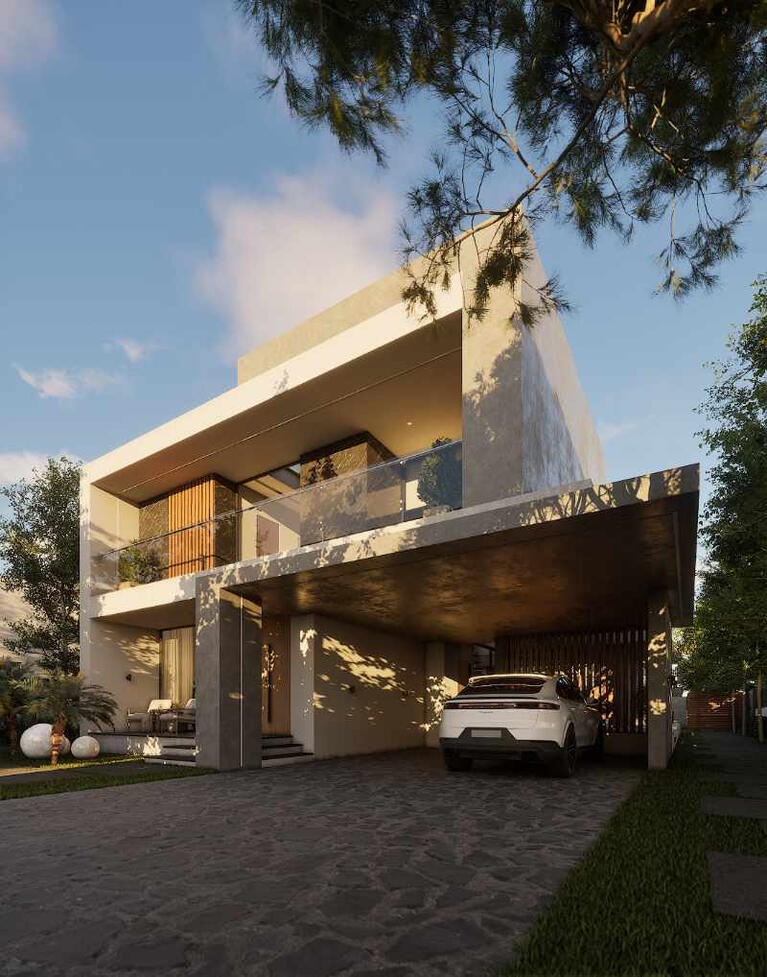
What You’ll Be Able to Create
Cinematic 3d Animation
Interactive 3d Walkthrough
Who is this Course for
Architects and interior designers
3D visualizers using 3ds Max
Beginners curious about Unreal Engine
Professionals who want to transition from static renders to interactive projects
Anyone who wants to create walkthrough-ready, animation-ready real-time scenes
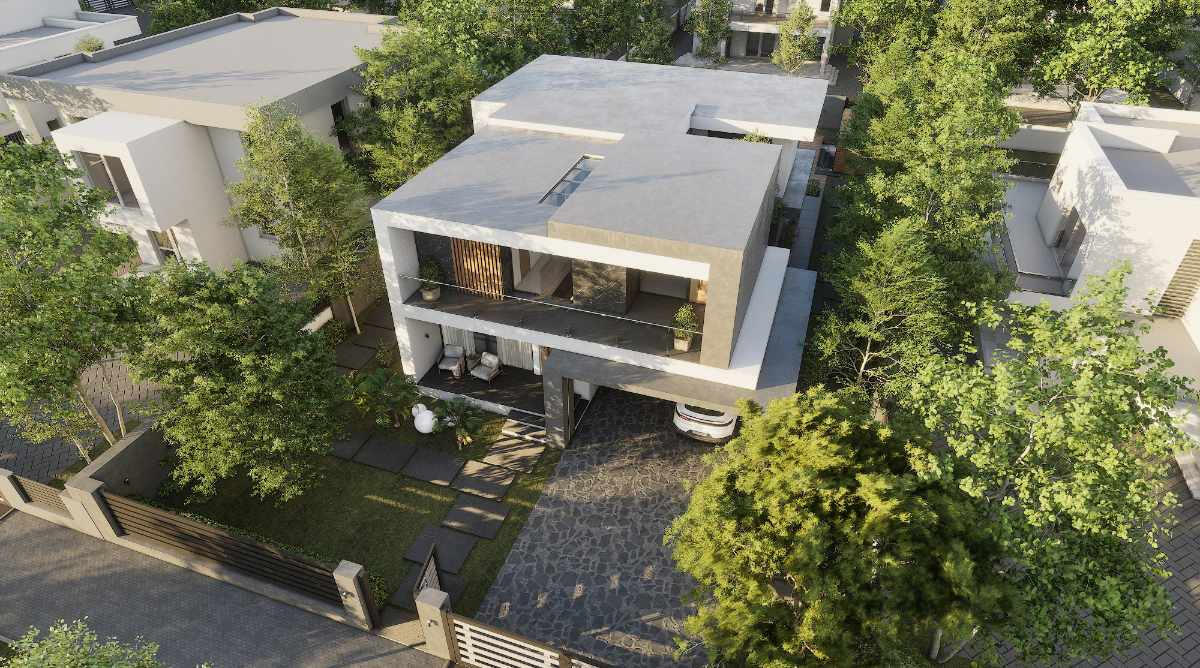
What you will be able to do after this course
Import complete 3ds Max projects into Unreal Engine properly
Create realistic lighting using Lumen
Build professional materials and reusable master shaders
Optimise your scenes for real-time performance
Create cinematic renders and animations
Build interactive walkthroughs
Create Blueprint-based interactions (doors, lights, TVs)
Present fully interactive real-time projects
Course Structure
12 Live Classes | 6 Weeks | Every Saturday and Sunday | September 26th to November 1st
Pre-Recorded Lessons before
the Live Class
Architects and interior designers
3D visualizers using 3ds Max
Beginners curious about Unreal Engine
Professionals who want to transition from static renders to interactive projects
Anyone who wants to create walkthrough-ready, animation-ready real-time scenes
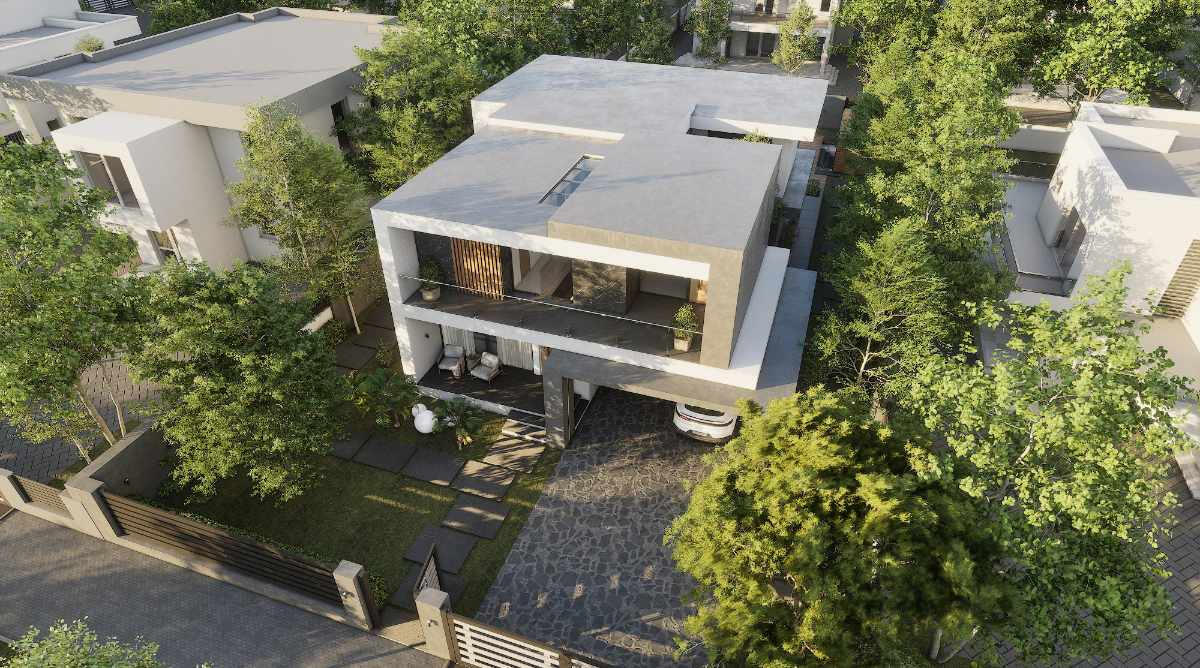
Class 1: Introduction & 3ds Max to
Unreal Workflow
Understanding the real-time workflow vs offline rendering
Critical 3ds Max preparation steps before export
Exporting using FBX vs Datasmith (when and why)
Unreal Engine interface & navigation
Importing meshes correctly into Unreal Engine
Project organisation and best practices
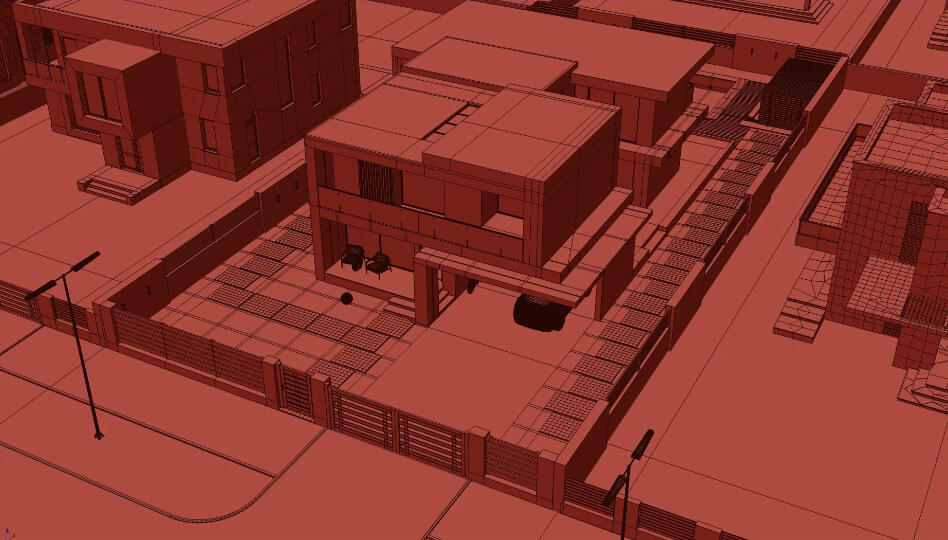
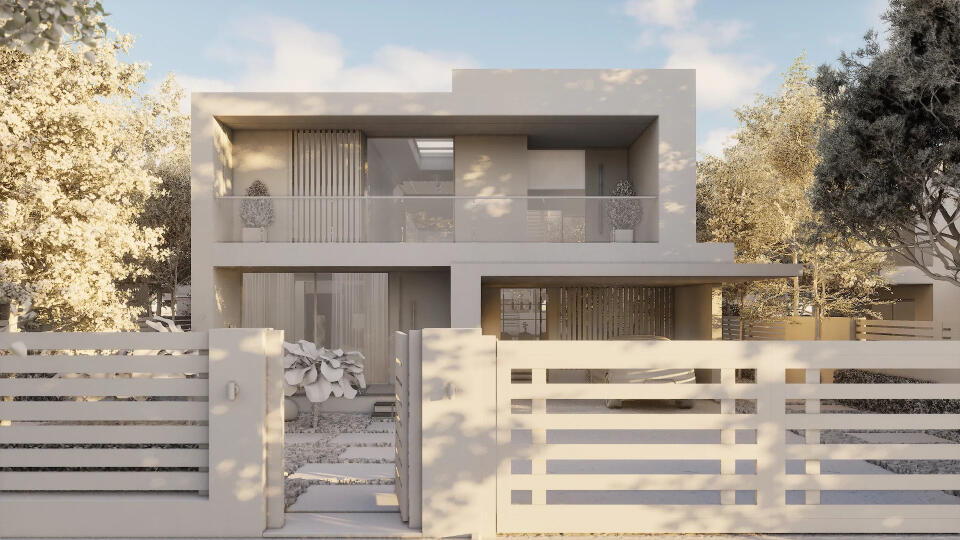
Class 2: Lighting with Lumen
Understanding Lumen GI and Lumen Reflections
Directional Light, Sky Light, Rect Lights, Spotlights
Environment Light Mixer workflow
Post Process Volume explained
Creating sub-levels for lighting scenarios
Lighting the same scene in 3 different moods (Day / Evening / Overcast)
Class 3: First Person Walkthrough
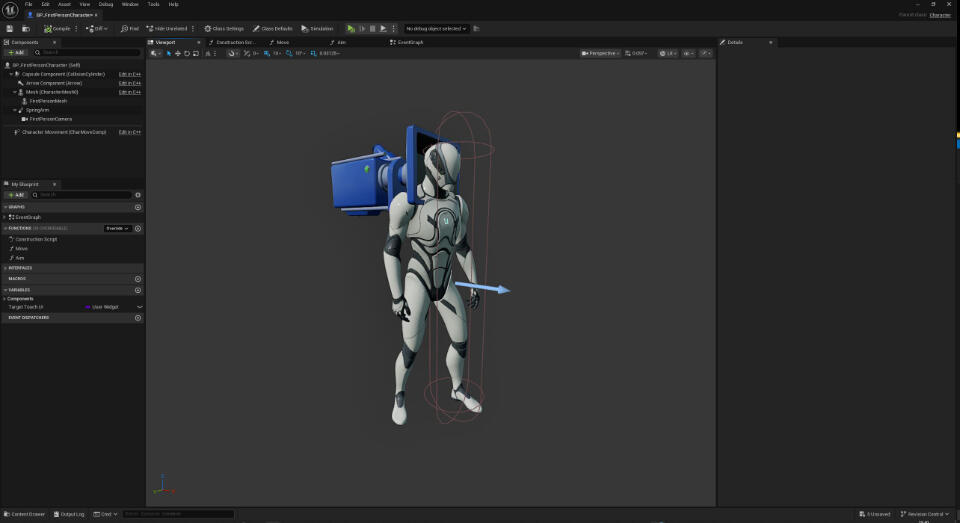
First-Person Character setup
Input mapping and controls
Creating proper collision
Collision troubleshooting
Project settings for walkthrough-ready projects
Class 4&5: Materials & Surface
Development
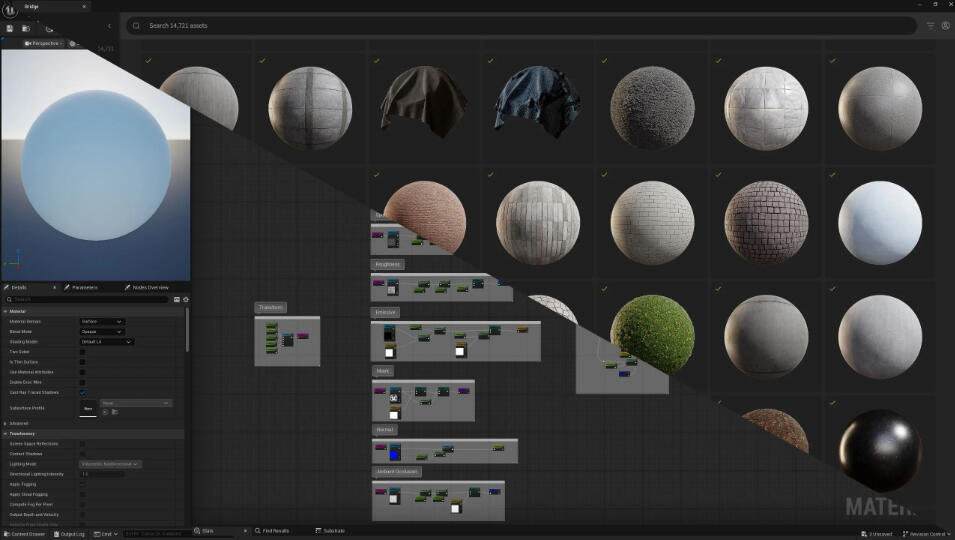
PBR fundamentals in Unreal
Material Editor overview
Creating a reusable Master Material
Creating flexible Material Instances
Texture optimisation strategies
Working with Quixel Bridge & FAB
Applying and managing materials across the scene
Class 6: Vegetation
Architects and interior designers
3D visualizers using 3ds Max
Beginners curious about Unreal Engine
Professionals who want to transition from static renders to interactive projects
Anyone who wants to create walkthrough-ready, animation-ready real-time scenes
Class 7: Optimisation &
Performance Workflow
Architects and interior designers
3D visualizers using 3ds Max
Beginners curious about Unreal Engine
Professionals who want to transition from static renders to interactive projects
Anyone who wants to create walkthrough-ready, animation-ready real-time scenes
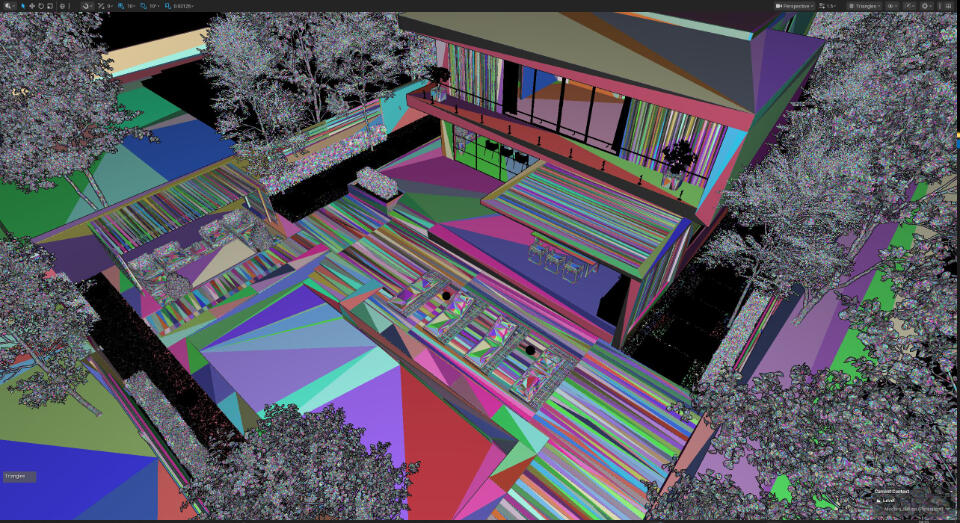
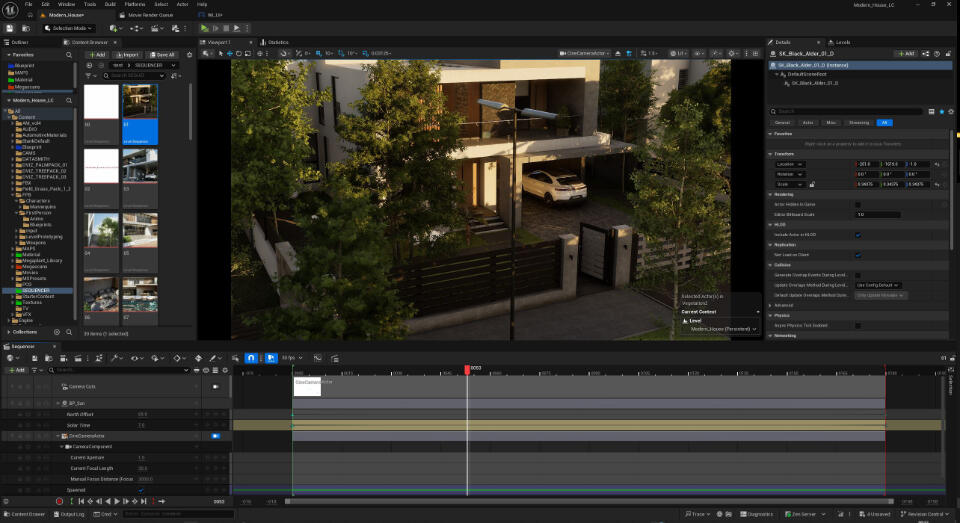
Class 8: Cameras, Renders &
Animations
Architects and interior designers
3D visualizers using 3ds Max
Beginners curious about Unreal Engine
Professionals who want to transition from static renders to interactive projects
Anyone who wants to create walkthrough-ready, animation-ready real-time scenes
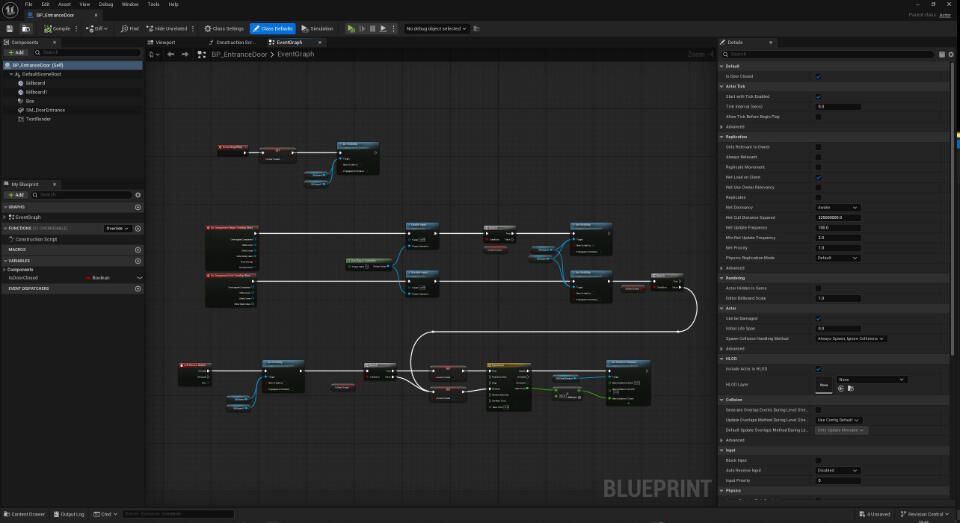
Class 9-12: Blueprint Interactivity
Architects and interior designers
3D visualizers using 3ds Max
Beginners curious about Unreal Engine
Professionals who want to transition from static renders to interactive projects
Anyone who wants to create walkthrough-ready, animation-ready real-time scenes
Live Class Schedule
Sessions take place over the weekend every week.Schedule:Saturday 10:00 AM – 1:00 PM (London time)Sunday 3:00 PM – 6:00 PM (London time)Each class lasts approximately 3 hours and is delivered live via Google Meet.
Learn from Industry Experience

Alexander AghoFounder & Director at Alviz Studios.13+ Years in Architectural Visualization | 7+ Years with Unreal Engine
Alexander Agho is the Founder and Director of Alviz Studios, specializing in real-time architectural
visualization and interactive environments.With over 13 years in architectural visualization and 7+ years working with Unreal Engine, his work focuses
on transforming traditional 3D scenes into real-time experiences including animation walkthroughs, virtual
reality, and interactive 3D presentations.Using tools such as Unreal Engine and 3ds Max, Alexander helps architects and designers present their ideas
in more immersive and compelling ways.He created this course to help architects and interior designers who want to begin using Unreal Engine but
don’t know where to start, providing a structured and practical path into real-time visualization.
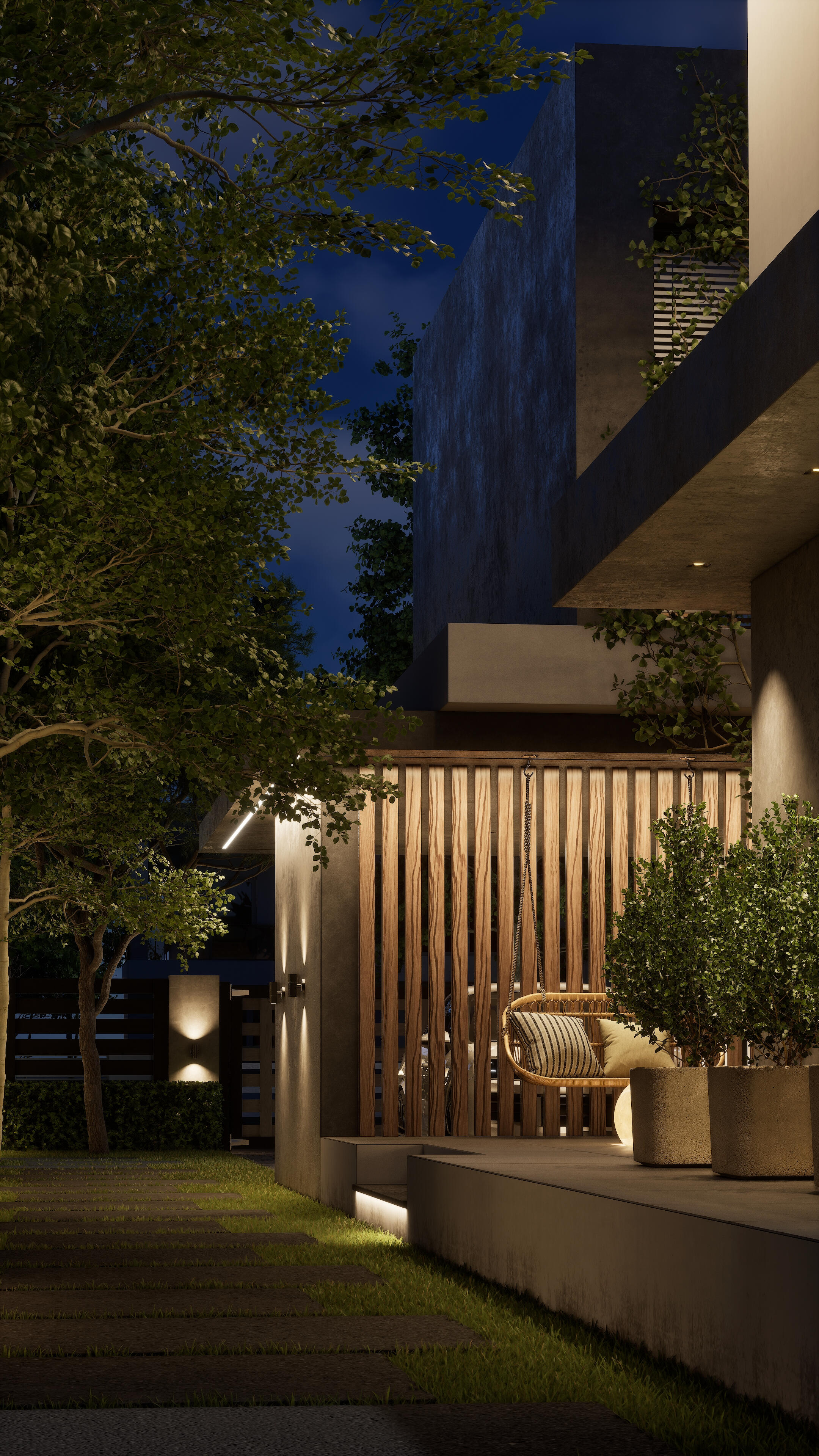
Selected Unreal Engine ProjectsExamples of real-time architectural visualization, walkthrough animations, and interactive experiences created
using Unreal Engine.
What makes this course different
Fully live and interactive sessions
Step-by-step build-along workflow
Real projects recreated from start to finish
Focus on professional habits and best practices
Direct feedback during sessions
Recordings available for 1 full year
Community & Continued Support
When you enroll, you don’t just join a course, you join a growing
Unreal Engine community.
Access to a private WhatsApp / Telegram group
Network with fellow students
Share progress and ask questions
Occasional updates and new insights shared
Long-term learning ecosystem
This is not just a one-time class, it is the beginning of a
professional journey.
Frequently Asked Questions
1. Do I need prior Unreal Engine experience?
No. This course is designed for beginners. Also basic knowledge of 3ds Max is helpful but not required.
2. What software do I need?
You will need Unreal Engine 5, Davinci Resolve and 3ds Max (recommended but optional as 3ds Max exported assets are provided). A video on how to install Unreal Engine will also be provided before the live classes start.
3. Will I have access to the recordings?
Yes. All live sessions will be recorded and accessible for up to one year after the course.
4. How are the live classes delivered?
All sessions will be conducted live via Google Meet.Before each class, the meeting link will be shared in the private course community group so students can easily join the session.Students will also have access to the recordings of all sessions for up to one year, so you can revisit the lessons at any time.
5. What if I miss a class?
No problem. You will be able to catch up using the recorded session so you won’t fall behind.
6. Is this just theory or practical?
The course is highly practical. We will build a complete project together live from start to finish.
7. Will I be able to create interactive walkthroughs?
Yes. You will learn first-person walkthrough setup and Blueprint-based interactivity.
8. What are the PC requirements?
Unreal Engine 5 works best on a reasonably powerful computer, but you do not need a top-of-the-line system to follow the classes.Minimum Requirements (to follow the class comfortably):RTX 3080 or equivalent, 16 GB RAMRecommended (for smoother performance):RTX 4070 or higher, 32 GB RAMDuring the course, lighter versions of the project assets will also be provided so that students with less powerful systems can still complete the exercises and run the interactive walkthrough.While higher-end GPUs will provide smoother real-time performance, the course is designed so that most modern systems can still participate effectively.
9. How long are the live sessions?
Each live session lasts approximately 3 hours.
10. Will the project files be provided?
Yes. All necessary project files, models, and assets will be provided so you can follow the class step-by-step.
11. Will I be able to ask questions during the live classes?
Yes. The sessions are fully interactive and you will be able to ask questions during the class.Time is also allocated during each session to address common challenges and help students stay on track with the project.In addition, students will have access to the private community where questions can be discussed between sessions.
Still have questions?
If you have any other questions before enrolling, feel free to get in touch:
[email protected]
Why learn Unreal Engine Now?
Real-time visualization is becoming the new industry standard.
Clients increasingly demand:
Walkthroughs
Interactive presentations
Real-time lighting adjustments
Cinematic animations
Unreal Engine is one of the most powerful real-time engines available today.
Learning it now puts you ahead.
Enrollment Details
Standard Tuition: £249
What’s Included:
12 Live Interactive Sessions (36 Hours Total)
Full Project Files
1-Year Access to Class Recordings
Pre-Recorded Setup Videos
Blueprint Interactivity Training
Private Community Access
No. This course is designed for beginners. Also basic knowledge of 3ds Max is helpful but not required.
Early Bird Offer:
Join the waitlist to get early-bird pricing when enrolment for the next cohort opens.
Student Discount:
Eligible university students can apply for a 50% student discount.Verification is required before a private discount code is issued.
Ready to Start Your Unreal Engine Journey?
In just 6 weeks, you could move from uncertainty to confidence, building real-time scenes, cinematic animations, and interactive walkthroughs using Unreal Engine 5.The September cohort is now in session. The next cohort is coming soon.
Seats are limited to maintain interactivity and quality.